
Instagram to MP4 Converter
Paste a public Instagram video or Reel link when you have a right to keep a copy. The MP4 page is the same careful, login-free form, written around the MP4 container.
Public links, MP4 on your device
Many people search for an Instagram to MP4 converter because they want a familiar file type on their computer or phone. SaveFromMins will not re-encode a file just to add a watermark, and it will not keep the MP4 in a public library.
Delivery is paused until a compliant public-data method is available. The form is here so the page is ready, and so the limits are clear up front.
How to save a public Instagram post
Three steps for using SaveFromMins with a public Instagram link.
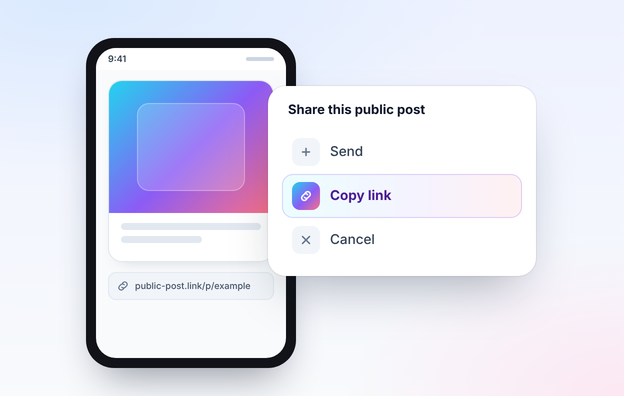
Copy the public link
In the Instagram app or website, copy the URL of a public video, photo, Reel, story, highlight, IGTV item, or carousel that you are allowed to keep.
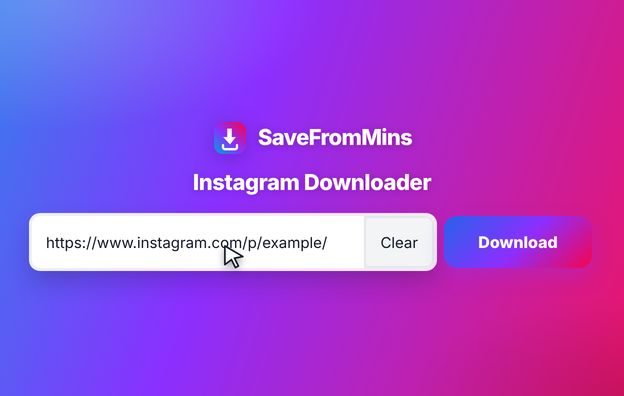
Paste it here
Return to SaveFromMins and paste the link into the box. Do not paste private URLs or login information.
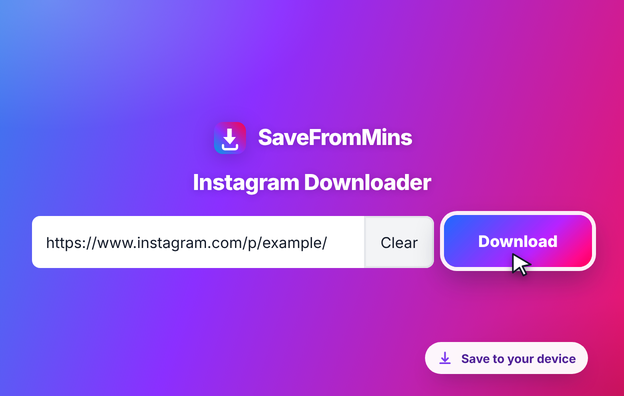
Save when the tool is available
When a compliant public-data method is live, choose the quality you need and save the file to your device. Until then the form explains that saving is temporarily unavailable.


Frequently asked questions (FAQ)
What is SaveFromMins?
SaveFromMins is a browser-based helper for saving public Instagram videos, photos, Reels, stories, IGTV videos, carousels, and highlights to your own device. It does not require an Instagram login and does not keep a media library.
Is downloading Instagram content legal?
Copyright stays with the creator. Instagram’s terms also restrict unauthorized copying and automated access. Saving a public post for personal use can still conflict with those terms. Do not reuse, republish, or monetize someone else’s work without permission.
Why is the downloader temporarily unavailable?
We will only fetch public data through a method that does not bypass logins, rate limits, or unofficial private APIs, and we will not host the files. No compliant method is reliable enough yet, so the save action is paused instead of shipping a scraper.
Can I save posts from private accounts?
No. If a post is not visible in a logged-out browser, SaveFromMins will not fetch it. Never provide Instagram passwords or session cookies.
Do you store the videos or photos?
No. SaveFromMins does not host, cache as a library, or index other people’s media. When a compliant fetch exists, files should pass through only long enough to reach your device.
Do I need an account?
No account is required to use the site. The paste box is the entire flow.
Which formats will you support?
The site is structured for videos, photos, Reels, stories, IGTV, carousels, highlights, and public profile viewing. Actual file delivery stays off until a compliant source is in place.
How do I ask for a takedown?
Use the DMCA page and email helloenhancer@gmail.com with the required notice details. We will review valid copyright complaints.
What quality should I expect?
When saving is online, quality will follow the public rendition a compliant source can provide. We will not promise a higher resolution than the public post actually offers.
Is SaveFromMins affiliated with Instagram?
No. SaveFromMins is an independent site and is not endorsed by Instagram or Meta Platforms, Inc.
Why might a public link still fail later?
Instagram can change how public media is served, a post can be deleted, or a rate limit can apply. We would rather show a clear error than guess at unofficial workarounds.